Professional Business PowerPoint Template for Impactful Presentations
Creating a presentation that genuinely connects with your audience requires more than just listing bullet points. It demands a clean, professional visual framework that supports your message without distracting from it. The Business PowerPoint template is built precisely for this purpose. It’s a multifunctional design tool crafted to help entrepreneurs, marketers, and corporate teams deliver their goals with clarity and confidence. The template’s strength lies in its simple, high-quality design—a modern aesthetic that avoids unnecessary ornamentation to let your content take center stage. This isn't just another slide deck; it's a strategic asset for anyone serious about effective communication.
A Design Built for Clarity and Professionalism
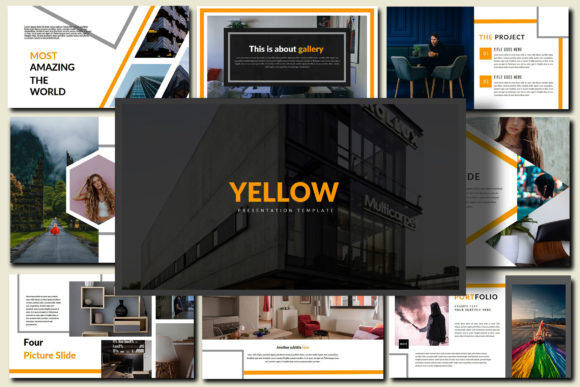
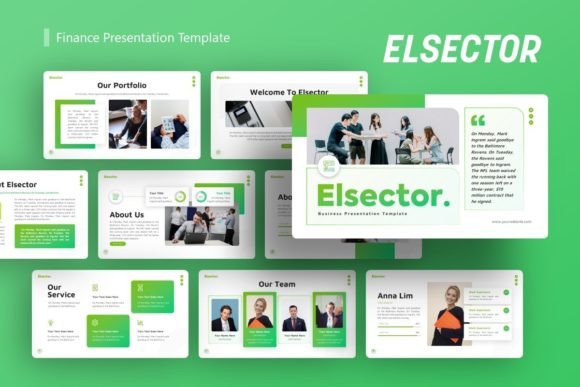
The visual personality of this Business PowerPoint is one of refined professionalism. It uses a simple design philosophy, meaning every element on a slide serves a clear function. The layouts are clean, with ample white space that guides the viewer's eye naturally through the information. This approach prevents cognitive overload and makes complex data more digestible. The overall appeal is contemporary and corporate-friendly, suitable for boardrooms, client pitches, and internal strategy sessions alike. The template comes in three distinct .pptx files, including versions with dark and light picture backgrounds, giving you immediate flexibility to match the tone of your specific presentation, whether it's a serious financial review or an innovative product launch.
What truly sets this template apart is its focus on real-world usability. The 36 unique slides cover a comprehensive range of business needs—from title slides and team introductions to data charts, timelines, and quote layouts. Each slide is a foundation you can build upon. The design features are fully editable; you can change colors, shapes, and fonts to align perfectly with your brand identity. The template is optimized for modern displays with a 16:9 screen ratio and 2560x1440 Full HD resolution, ensuring your presentation looks sharp on any monitor or projector. For visual content, you have the freedom to use stock images from sites like Pixabay or, even better, insert high-quality photos directly from your own business, creating an authentic and personalized narrative.
Where This Template Delivers Maximum Value
The multifunctional nature of the Business PowerPoint template means it fits seamlessly into a wide array of professional contexts. For entrepreneurs and small business owners, it’s ideal for crafting investor pitches, business plans, and quarterly reviews that project stability and foresight. Marketers can leverage its clean slides to present campaign strategies, performance analytics, and market research findings in a compelling, easy-to-follow format. The included icons.pptx file is a valuable design asset, providing a library of graphics to illustrate concepts quickly without needing external resources.
Beyond the corporate sphere, this template is equally effective for internal communications. Project managers can use it for status updates and team alignments, ensuring everyone is on the same page with visually consistent information. Educators and trainers within companies will find the structured layouts perfect for developing workshop materials and training decks. Even for personal projects, such as organizing a community event or presenting a freelance portfolio, the template’s professional polish elevates your credibility. The consistent slide master ensures that every page of your deck maintains a unified look, which is fundamental to strong brand perception and audience trust.
Practical Guidance for Implementation
To get the most out of this resource, start by selecting the .pptx file that best matches your presentation's visual theme. If your content relies heavily on high-impact photography, the "Picture Background" version is a great starting point. For data-heavy presentations where text clarity is paramount, the standard "Des Business" version offers the cleanest canvas. Before diving into design, outline your content. The template’s structure is logical, but your narrative should drive the slide sequence.
Customization is straightforward. Use the Slide Master to make global changes to fonts and color schemes, ensuring brand consistency across all 36 slides. The template is designed to be easy to edit, but a pro tip is to limit your color palette to two or three primary brand colors for a cohesive look. When pairing fonts, the included Open Sans is a versatile sans serif font that works well for body text. Consider pairing it with a complementary serif font for headings to create a subtle visual hierarchy, enhancing both readability and engagement.
Remember, the images you use will significantly impact the final result. While high-quality stock photos from Pixabay are a good option, incorporating original photos of your team, office, or products can make your presentation feel more genuine and trustworthy. Always ensure images are high-resolution to maintain the professional standard the template sets. By thoughtfully integrating your content with this robust design framework, you transform a simple slide deck into a powerful tool for persuasion, education, and brand building. The Business PowerPoint template provides the professional foundation; your expertise and message provide the compelling content that drives success.